cenno GitHub ↗

agents ask.
you answer.

cenno gives MCP agents a polite way to reach you: a small panel slides over your work — without stealing your keyboard — you tap or type, and the agent gets a structured answer back.

Download for macOS

Apple Silicon · macOS 12+ · free & open source · v0.3.1 · release notes

$ claude "interview me — learn my preferences"

⏺ cenno · ask_user

cenno

Live demo — answer it yourself, or let it play.

What it looks like

One question per screen.
The answer is the interface.

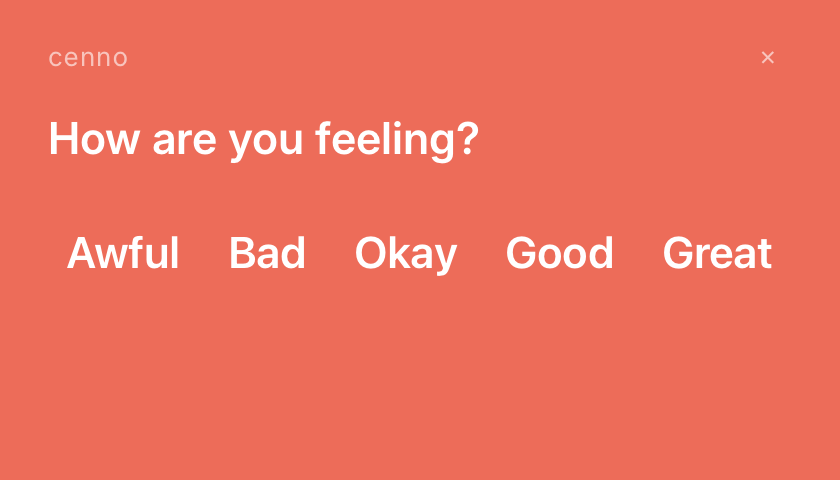
cenno mood check-in panel: 'How are you feeling right now?' over a coral background with five mood words
A mood check-in. Tap a word, done.
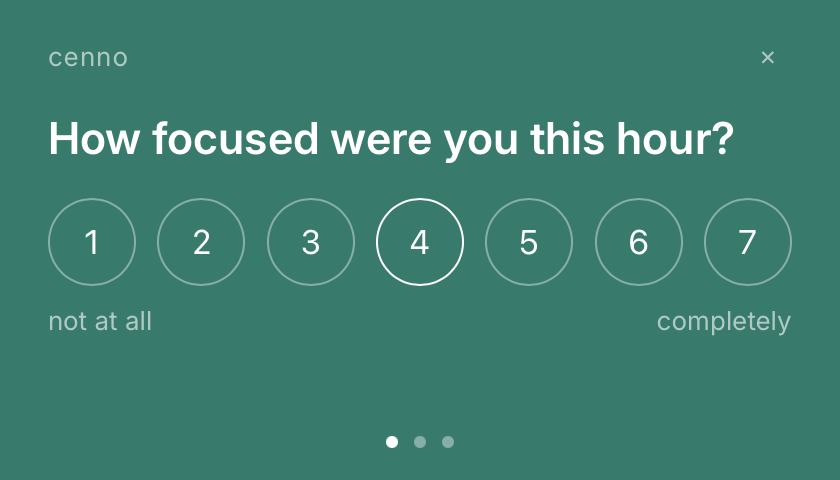
cenno EMA scale panel: a 1-to-7 scale question on teal with dot pagination
A multi-step EMA flow with dot pagination.

Fare un cenno — Italian: to give a small sign. To nod, to mention briefly, to beckon silently. That's the whole interaction model: agents make a small sign, you answer with one.

How it works

Three small signs.

  1. 01

    The agent asks

    Claude Code, Claude Desktop, OpenClaw, Hermes, or any other agent that speaks MCP calls the ask_user tool — text, choice, scale, or confirm.

  2. 02

    A panel slides in

    A non-activating macOS panel floats above your work. It never grabs your keyboard — you answer when you glance at it, not when it interrupts.

  3. 03

    Structured data comes back

    The agent receives {answer, via, elapsed_s} — typed results, not parsed strings. Timeouts are part of the contract.

Sound-out

It can speak, too.

When you're not looking at the screen, cenno reads the prompt aloud — then waits, the same as always.

Hear the on-device neural voice — male and female:

Same line, ten styles in the app (F1–F5, M1–M5). Generated fully on your Mac — no cloud, no API key.

iPhone & Apple Watch · in testing

Answer from your wrist.

When you step away from the Mac, cenno can hand the question to your phone or Watch. The agent asks once; you answer wherever you are, and the result flows back the same way.

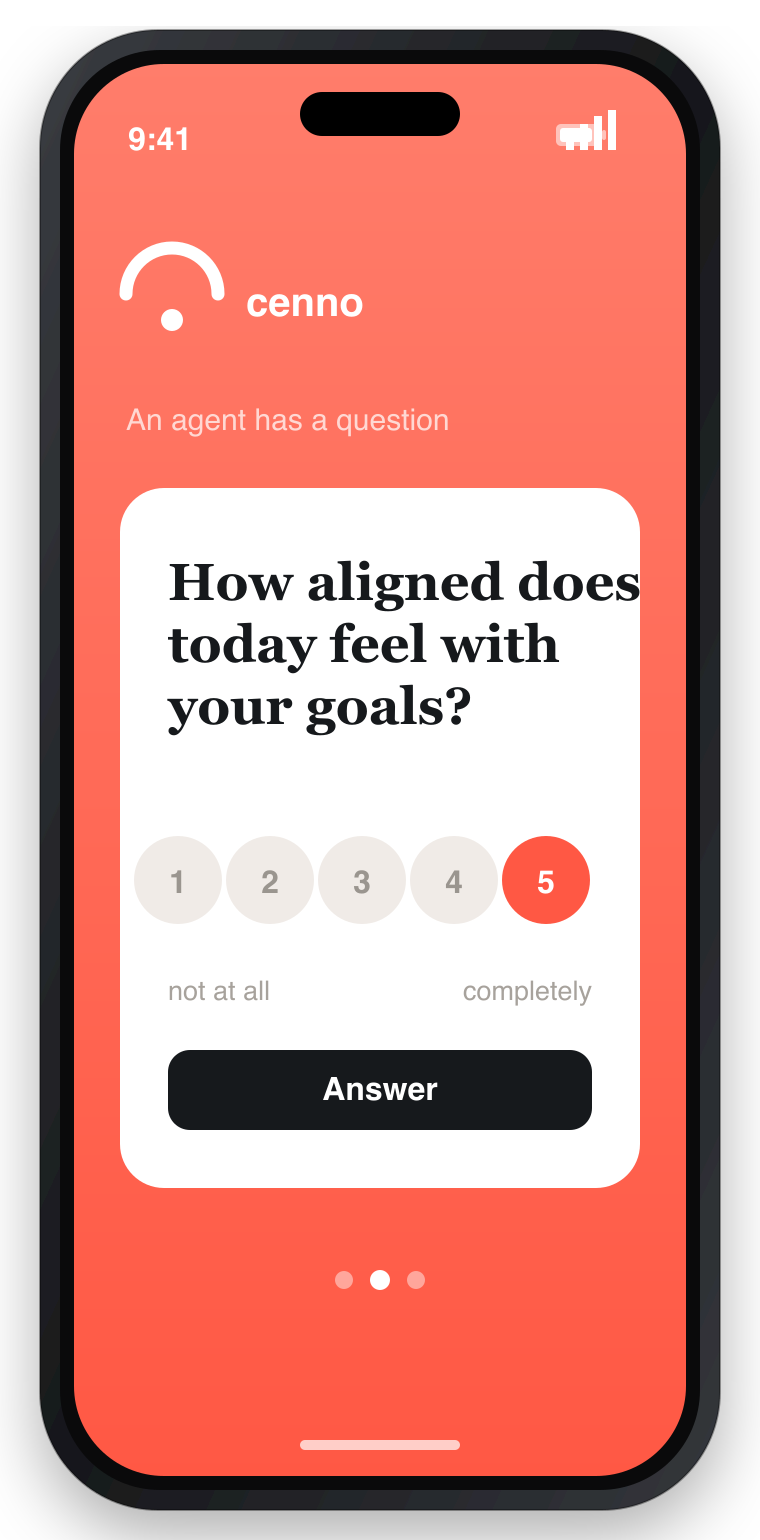
cenno companion on iPhone showing an agent prompt with answer buttons
iPhone — the prompt arrives as a card; tap to answer.
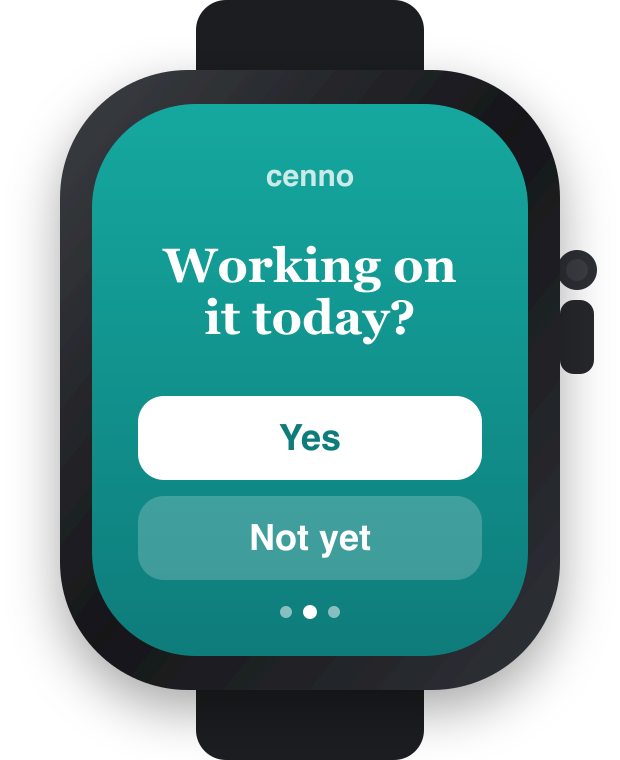
cenno companion on Apple Watch showing a compact prompt with choices
Apple Watch — a glance and a tap.
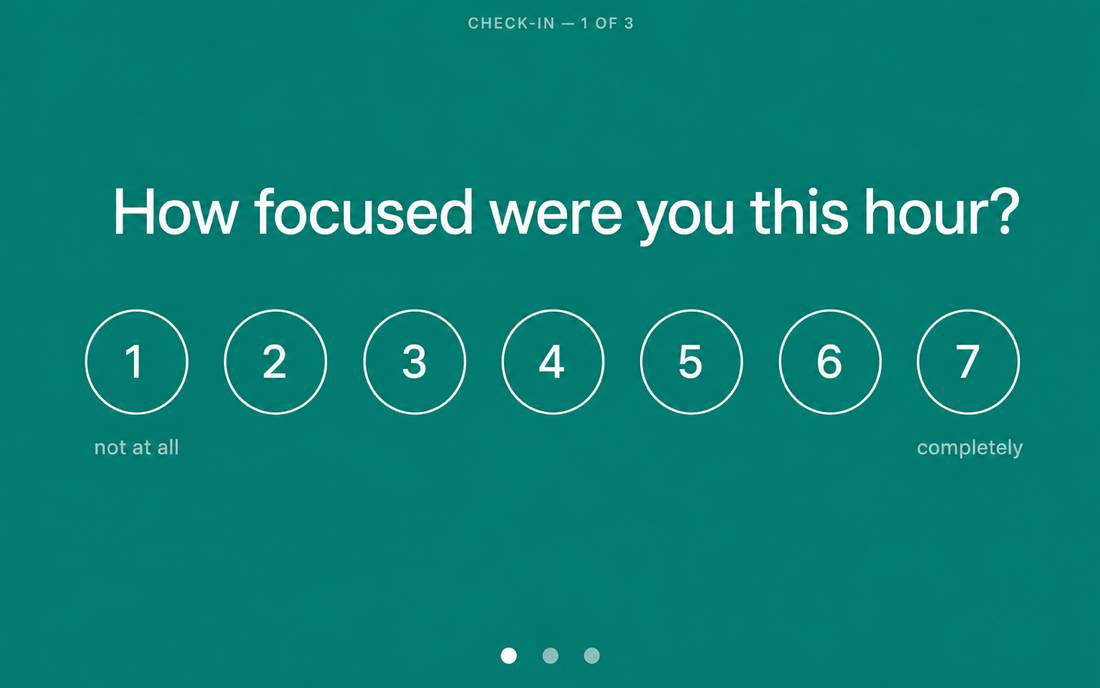
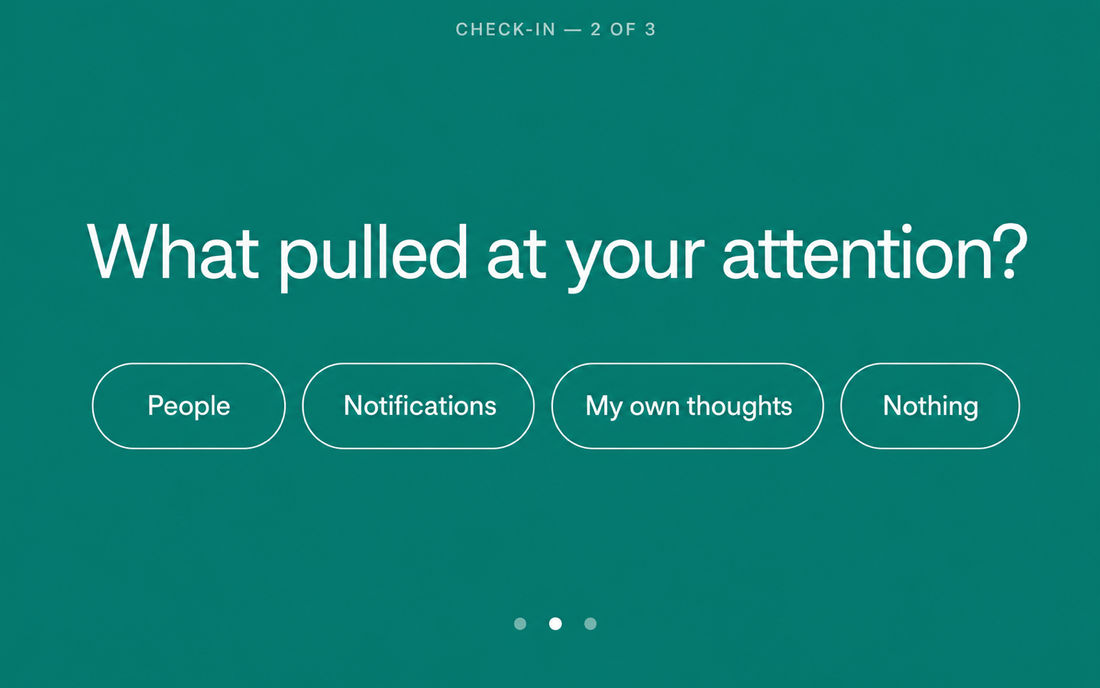
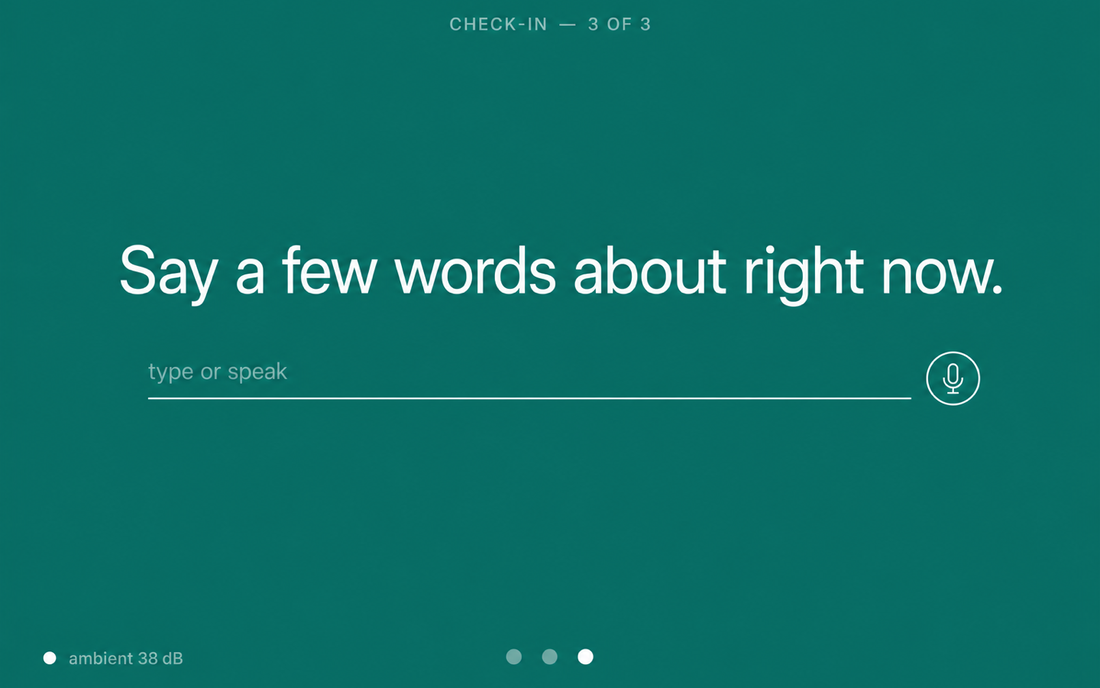
cenno second-screen mode: a 1-to-7 focus scale prompt filling the display cenno second-screen mode: an attention check-in with choice chips cenno second-screen mode: a voice-or-type prompt with an ambient sound level
Real screens from the companion's second-screen mode — the same prompts, full-bleed on a parked device.

Want the iPhone & Watch beta?

The companion app is in TestFlight beta while the iCloud relay is tested. Email me and I'll add you.

Testing happens over Apple TestFlight — email me and I'll send your invite. Beta requests: glebis@gmail.com

Quickstart · 60 seconds

Wire it into a project?

.mcp.json

{
  "mcpServers": {
    "cenno": {
      "command": "/Applications/cenno.app/Contents/MacOS/cenno",
      "args": ["--mcp-stdio"]
    }
  }
}

or straight from the shell

/Applications/cenno.app/Contents/MacOS/cenno \
  ask "Ship it?" --timeout 30

A panel appears; your answer prints as JSON. cenno auto-launches if it isn't running.

There's also a ready-made agent skill that teaches your agent to ask well — input kinds, etiquette, graceful timeouts.

Getting started · For agents

Three prompts.
Drop one in.

cenno speaks MCP — any agent that knows the cenno skill can ask you questions through it. Copy a prompt below and hand it to Claude Code, Claude Desktop, or any MCP-capable agent.

01 · UX & product discovery

Six questions on priorities, audience, direction, and trade-offs. Useful before a work session or a planning call.

Install cenno if it isn't already:
  brew install --cask glebis/tap/cenno
  npx skills add glebis/claude-skills@cenno -g -y
Add cenno to this project's .mcp.json, then run a UX discovery interview — 6 questions:
  1. What's the most important problem you're working on right now? (text)
  2. Who are you building for? (choice: myself / a small team / customers / still figuring out)
  3. What does success look like in 3 months? (text)
  4. Where does your workflow break down most often? (text)
  5. How confident do you feel about the current direction? (scale 1–7)
  6. If you had to ship something tomorrow, what would you cut? (text)
Use the question flow theme. Return a structured summary with key signals.

02 · Wellbeing check-in

Mood, sleep, body, and mind — five questions that surface how you actually are, not just how you say you are.

Install cenno if it isn't already:
  brew install --cask glebis/tap/cenno
  npx skills add glebis/claude-skills@cenno -g -y
Add cenno to this project's .mcp.json, then run a wellbeing check-in — 5 questions:
  1. How are you feeling right now? (choice: good / tired / stressed / anxious / calm)
  2. How did you sleep last night? (scale 1–7, 1 = terrible, 7 = great)
  3. Any physical tension or discomfort? (text)
  4. Is anything weighing on your mind? (text)
  5. What would help you most right now? (choice: a break / movement / food / talk to someone / just keep going)
Use the mood flow theme. Finish with a gentle summary — notice patterns, don't diagnose.

03 · Goals alignment

Five questions to reconnect with what matters — before drift becomes a pattern.

Install cenno if it isn't already:
  brew install --cask glebis/tap/cenno
  npx skills add glebis/claude-skills@cenno -g -y
Add cenno to this project's .mcp.json, then run a goals alignment check-in — 5 questions:
  1. What's your single most important priority this week? (text)
  2. Are you working on it today? (confirm)
  3. How aligned does today feel with your longer-term goals? (scale 1–7)
  4. What keeps pulling you off track? (text)
  5. One thing worth protecting time for tomorrow? (text)
Use the reminder flow theme. Save answers to goals-checkin.md and return a short reflection.

Each prompt includes the install step — hand it to a fresh agent and it runs end to end. The cenno skill in the repo teaches agents all input kinds, etiquette, and timeout handling.
Whose data?

Yours. All of it.

For developers

Developer?

Something missing or broken? Create an issue — and see CONTRIBUTING before your first PR.

Presentation

The two-minute version.

A slide walk-through of cenno — what it is, the input kinds, sound-out, and the iPhone & Watch companion. Built with reveal.js.

01 · cenno agents ask.
you answer.
A polite way for AI agents to reach a human — without stealing your focus.

Confirm

Ship it?

brew install --cask glebis/tap/cenno · latest v0.3.1 · release notes